New live chat widget - Dashly
We are releasing an important and long-awaited update of live chat widget. We do our best to change the way a customer and a company communicate, making it human2human

Messengers and social networks — the main channels for communication
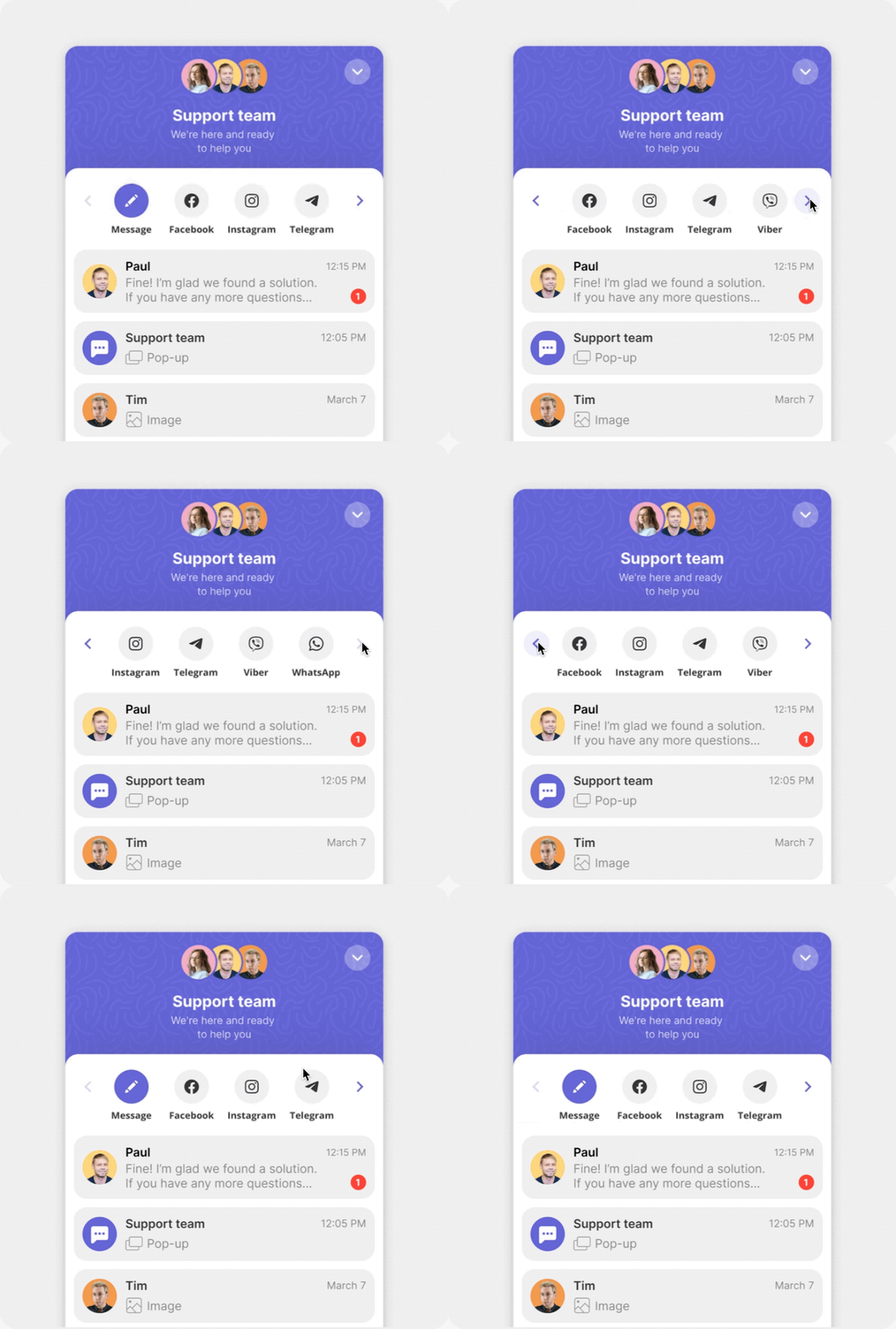
Now messengers and socials are always available for your website visitors
Your social networks and messengers are placed in the header of the live chat widget now. With such an interface it is easier to go back and select another channel if needed.
Simplify the customer journey and increase conversions
We went over every detail of customers' behaviour and created the solution which helps you to retain your customers from the very beginning of the journey.
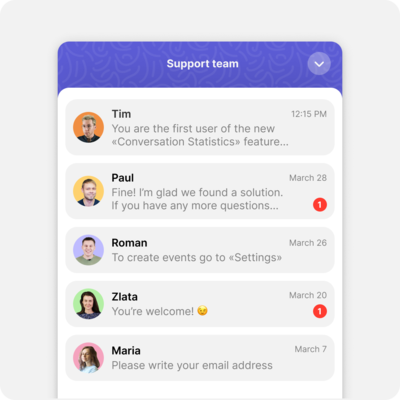
Now your live chat widget starts from the home screen, where the user will see the history of dialogs with the company and be able to continue them
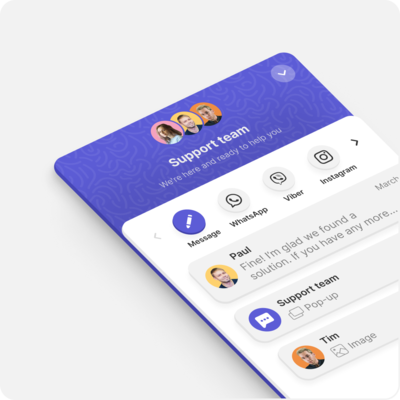
You can customize the order of the icons in the live chat widget header. Take care of your customers and place channels they prefer to write to first.
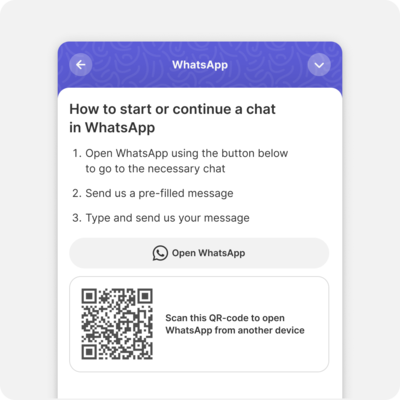
To make it easier and faster for customers to switch between devices, social networks, and messengers, we made prompts
Unite all channels and erase the boundary between customers and business
One window to see all the requests from a customer no matter which channel was used
Users can write to live chat and continue conversation in a messenger or on social networks without duplicating the request. You have all the information about customers and as a result, you assist faster.
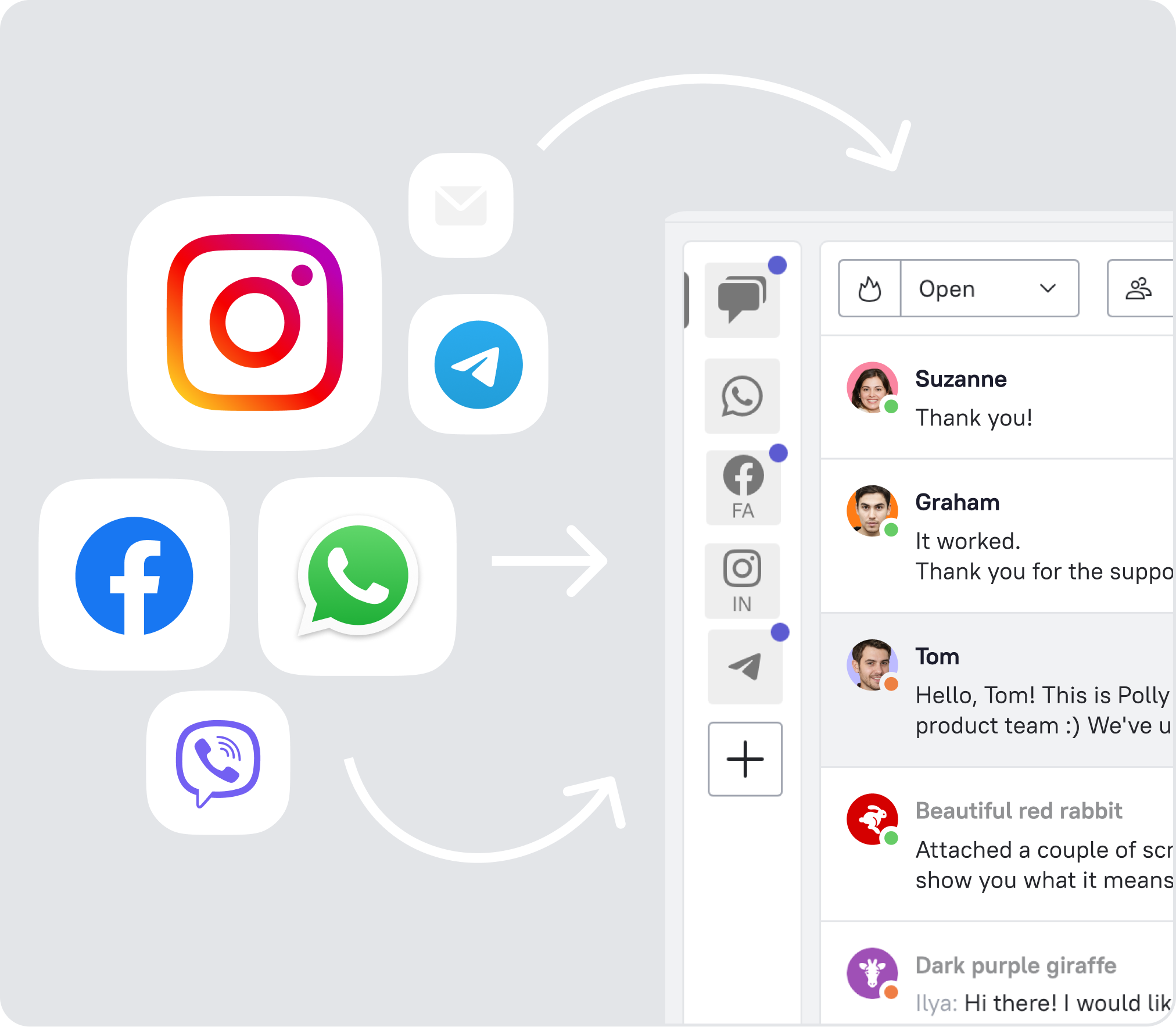
Now you can answer user questions faster and stay connected even at night
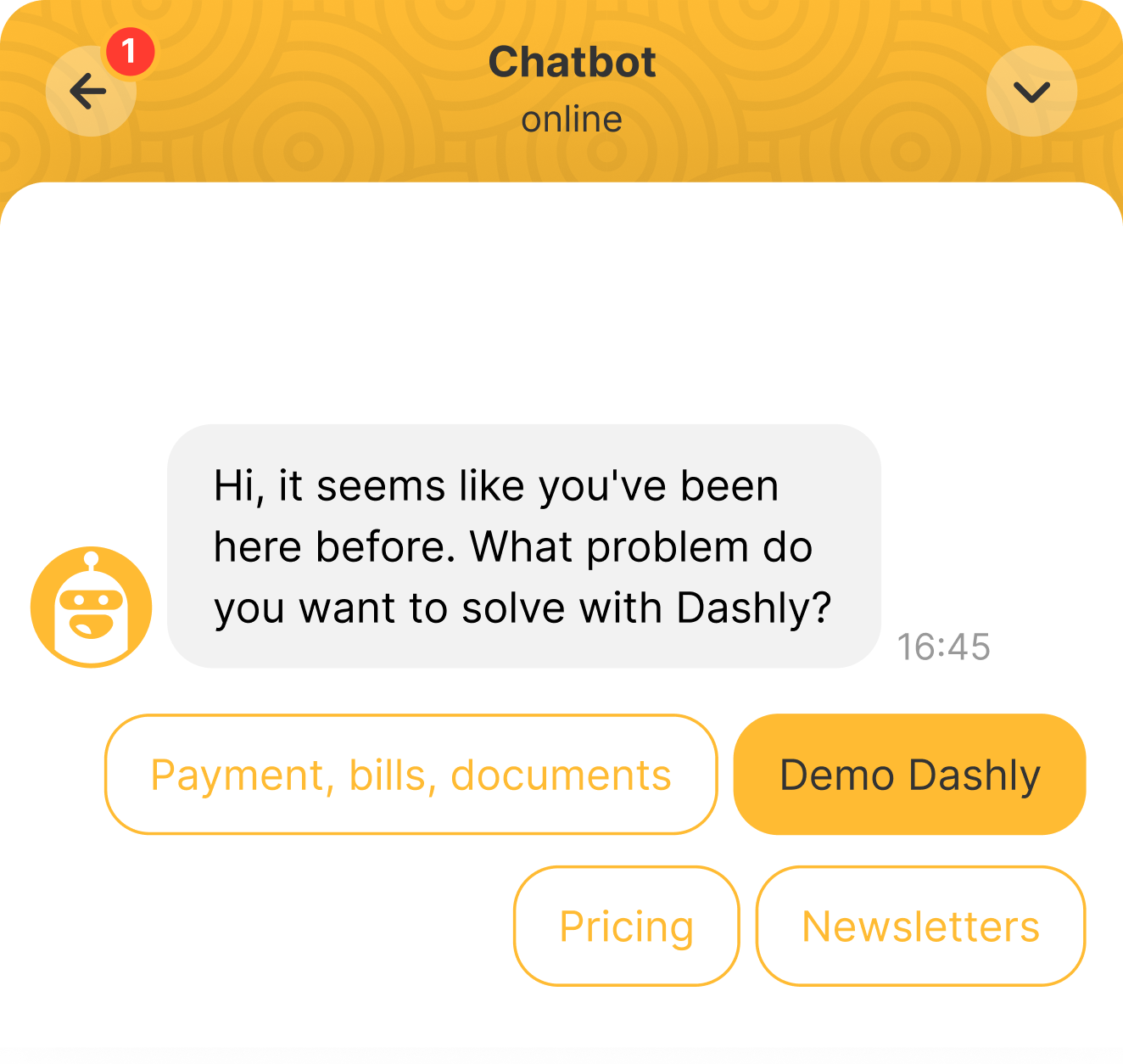
Chatbot launches by clicking on the live chat widget, not just by events
Relieve your team. Let a chatbot answer the most common questions, qualify users, move to requests to different channels, capture leads even at night.
New live chat widget design
We keep up with UI and UX design trends. Our live chat widget is concise and attractive.
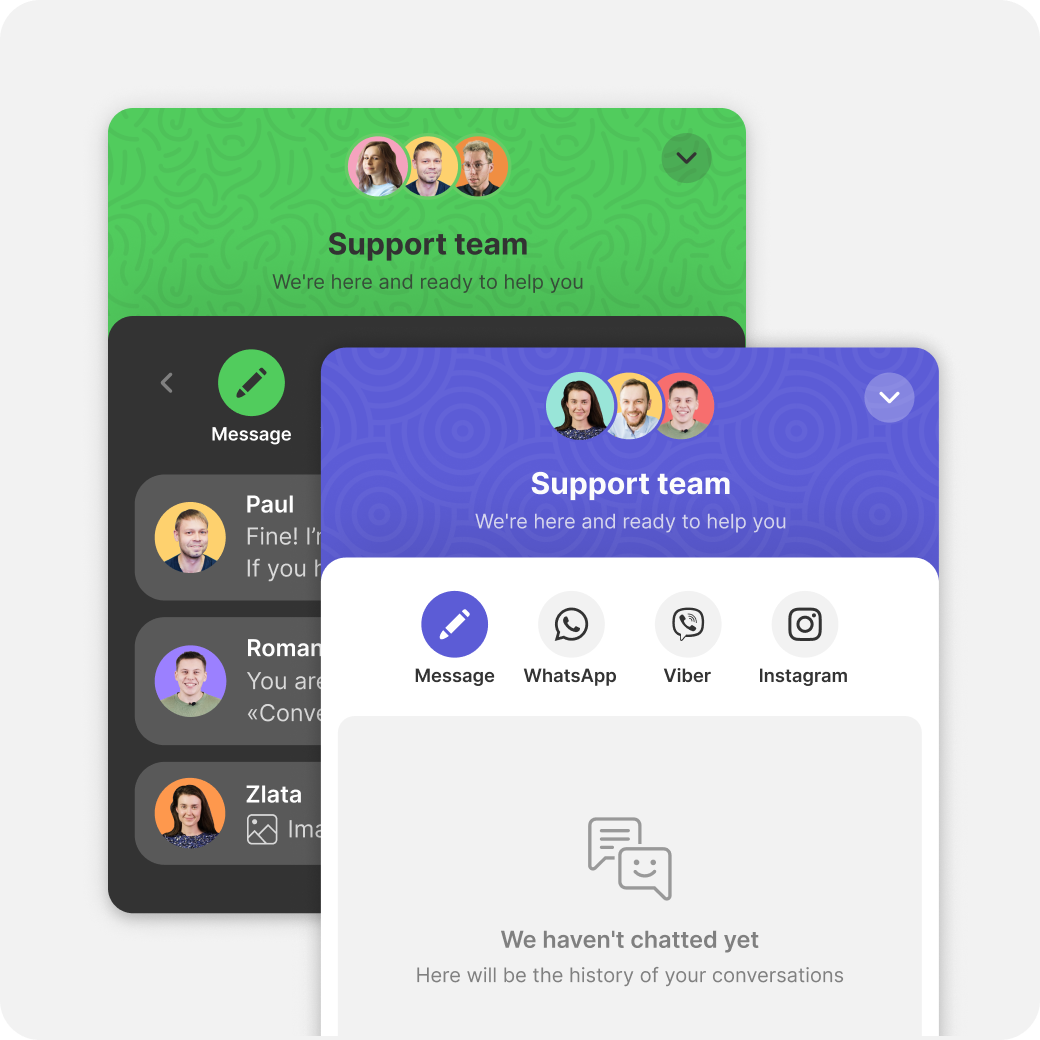
Custom design
Now there are even more opportunities to customize the widget for your website. Also the widget can adjust to the theme of a user's device.
Friendly interface
There are now many rounded elements in the chat. They help users perceive information easier.
Manage and guide users attention
Layering creates a visual hierarchy to guide users attention
Now there are even more opportunities to customize the widget for your website. Also the widget can adjust to the theme of a user's device.
Friendly interface
There are now many rounded elements in the chat. They help users perceive information easier.
Manage and guide users attention
Layering creates a visual hierarchy to guide users attention
Mobile chat that converts
We have already tested the live chat widget on a small number of users and did A/B testing. Here is why the new widget is cool
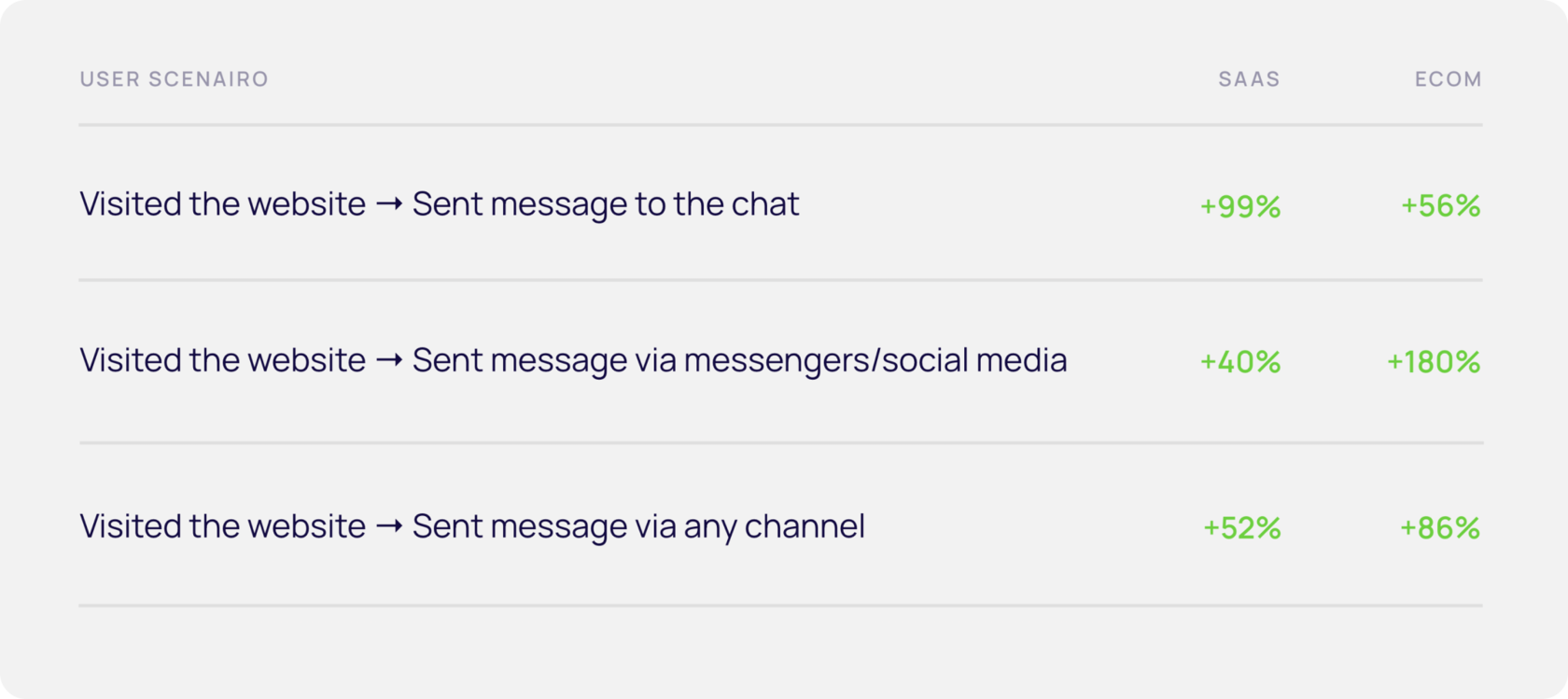
Increased conversions on mobile devices during a test of a new widget Chat with SaaS and Ecom customers
Feedback from Dashly beta test participants
This solution is great for business, it helps us increase customer loyalty. Instead of being chained to a website, customers get help where they want to. Now we have more chats with customers and our Support Team plays an important role in customer lifecycle.
This new widget is adorable! It is convenient, if I use a laptop and I want to write my request in chat, I have numberous options how to do it. I can pick Telegram, scan QR and start my conversation on my phone. This is much better than copy-paste links just to switch devices.
I like you widget , it is not overloaded. Too many icons may distract users. Thank God I can add/remove details in Dashly.
We're happy to chat with you on any questions, comments, or suggestions on the new live chat widget
