What is a chatbot for sales?
A chatbot for sales is a computer program that simulates a conversation with human users to assist with the sales process 24/7. It can qualify leads, provide product information, recommend them, and help schedule appointments or follow-up calls.
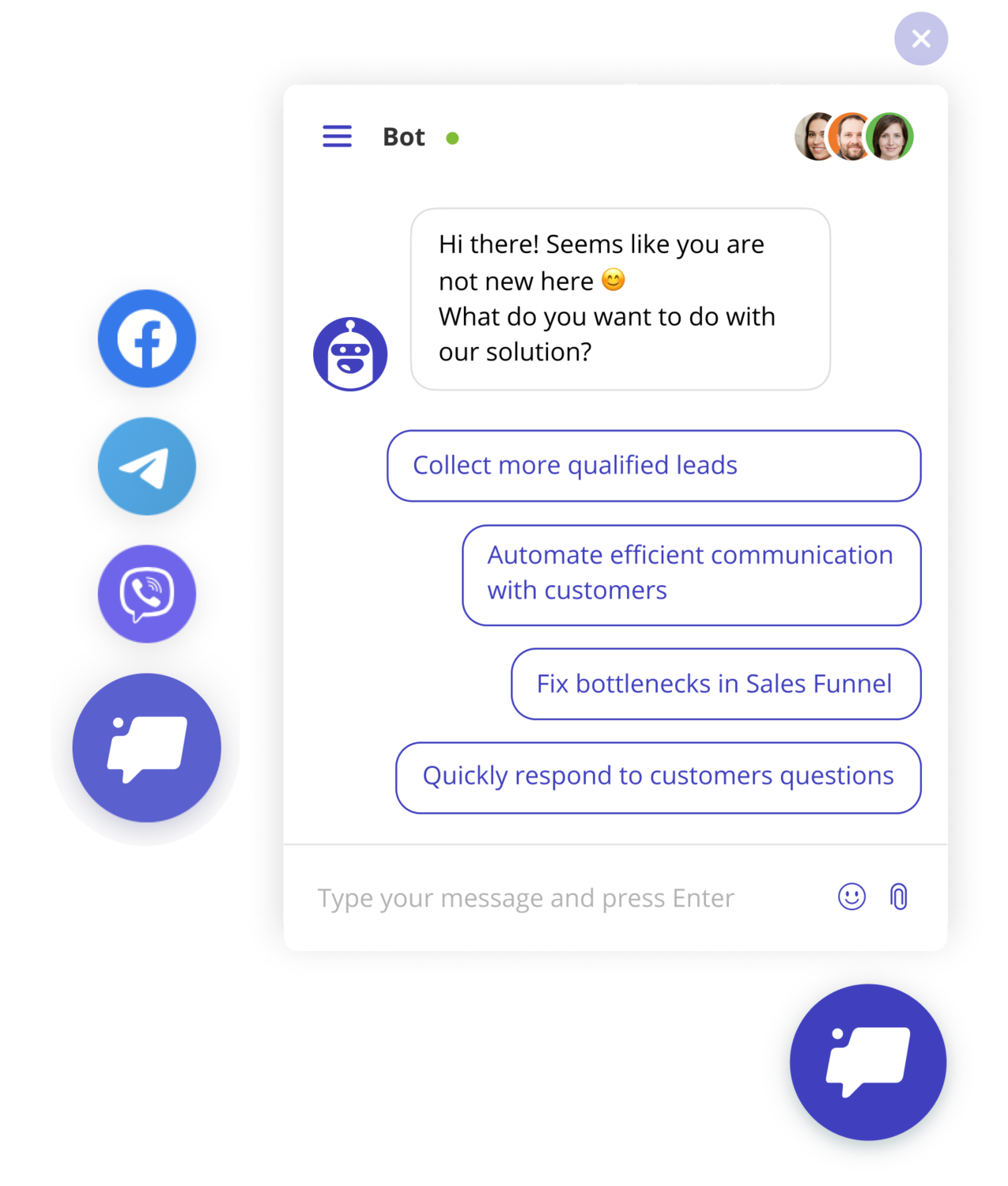
The chatbot uses natural language processing, machine learning techniques, or pre-defined answer options to understand and respond to customer requests.
Such chatbots have become increasingly popular among businesses of all sizes as a way to:
- save sales managers time to focus on important deals,
- align marketing and sales efforts,
- improve customer engagement,
- provide personalized customer experience,
- automate repetitive tasks,
- grow revenue.
How can chatbots for sales assist with the sales process?
Here are some ways chatbots for sales reduce the workload of your team and help customers:
- Capture and qualify leads to route the hottest ones to sales reps and let marketing nurture the others.
- Share personalized product recommendations. Chatbots for sales can be set up to learn more about customers' needs and recommend products or services based on their preferences and history. With this feature, businesses boost sales and raise customer satisfaction.
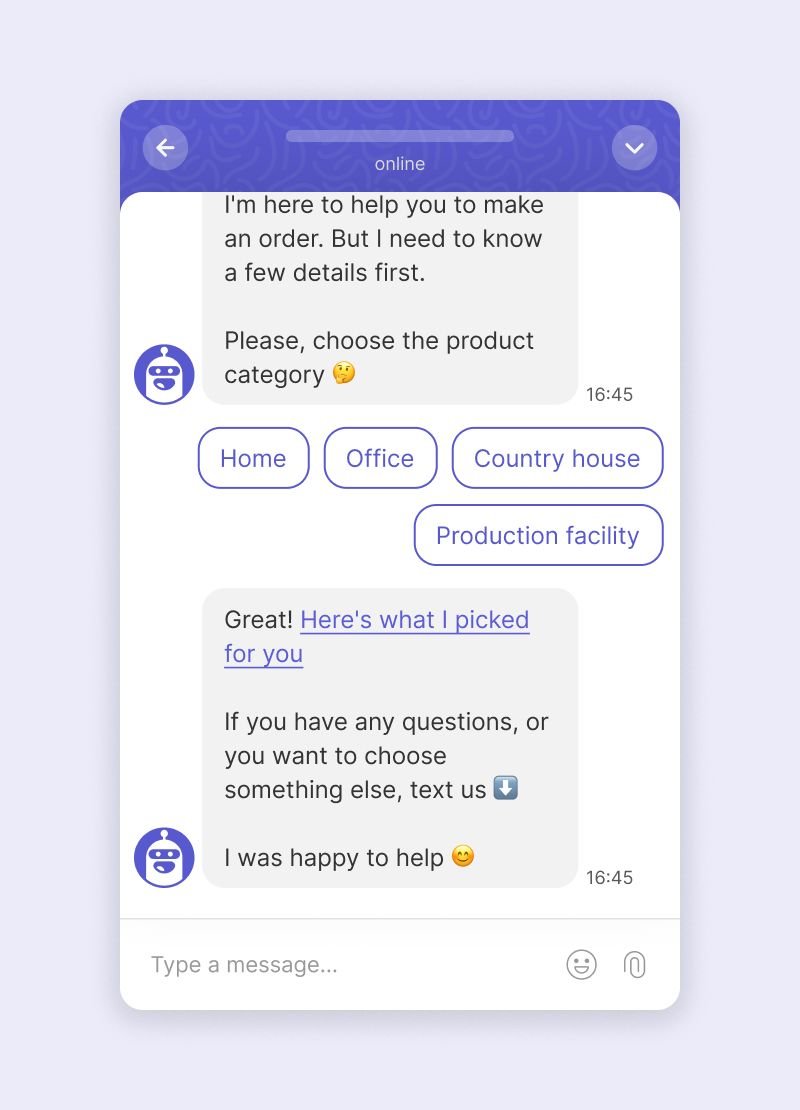
- Assign conversations to a relevant sales manager who can help with the customer's particular issue.
- Assist with the purchase process or share product information. Set up a chatbot to specify pricing details, product availability, and features. It saves customers time and gives them the necessary info to complete a purchase.
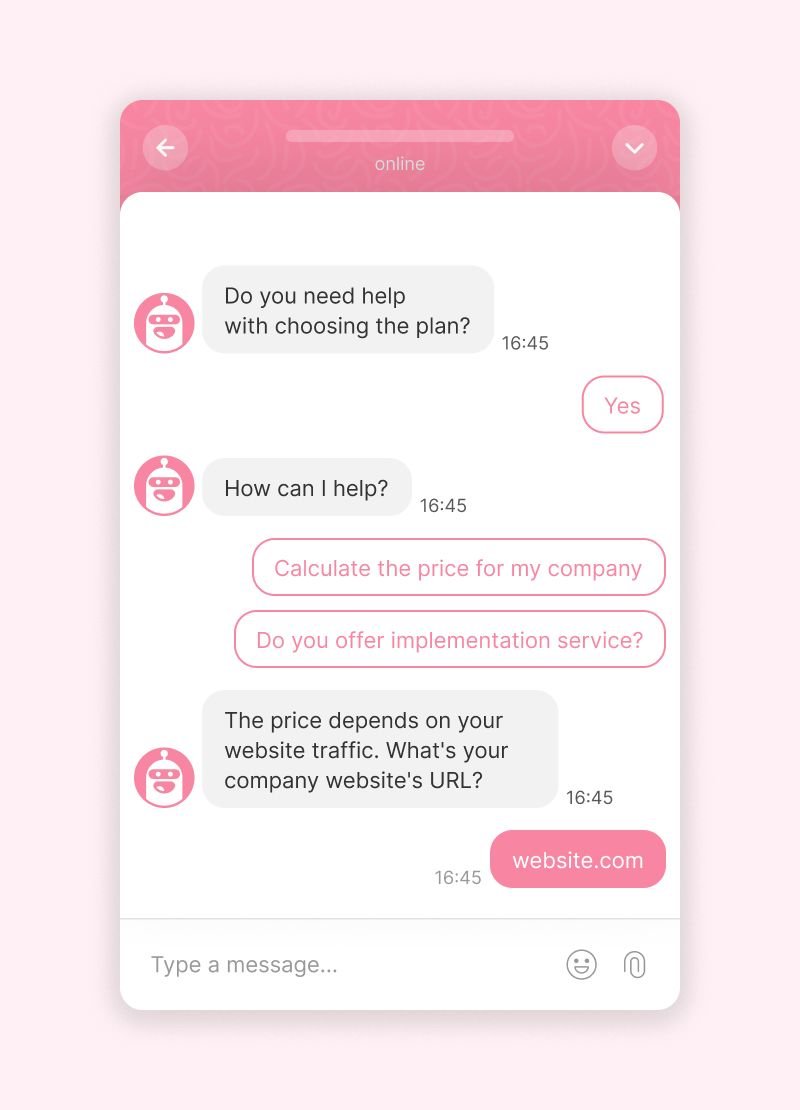
- Schedule meetings or follow-up calls with your sales reps. The chatbot becomes a convenient tool for customers to book time slots and helps you increase sales.
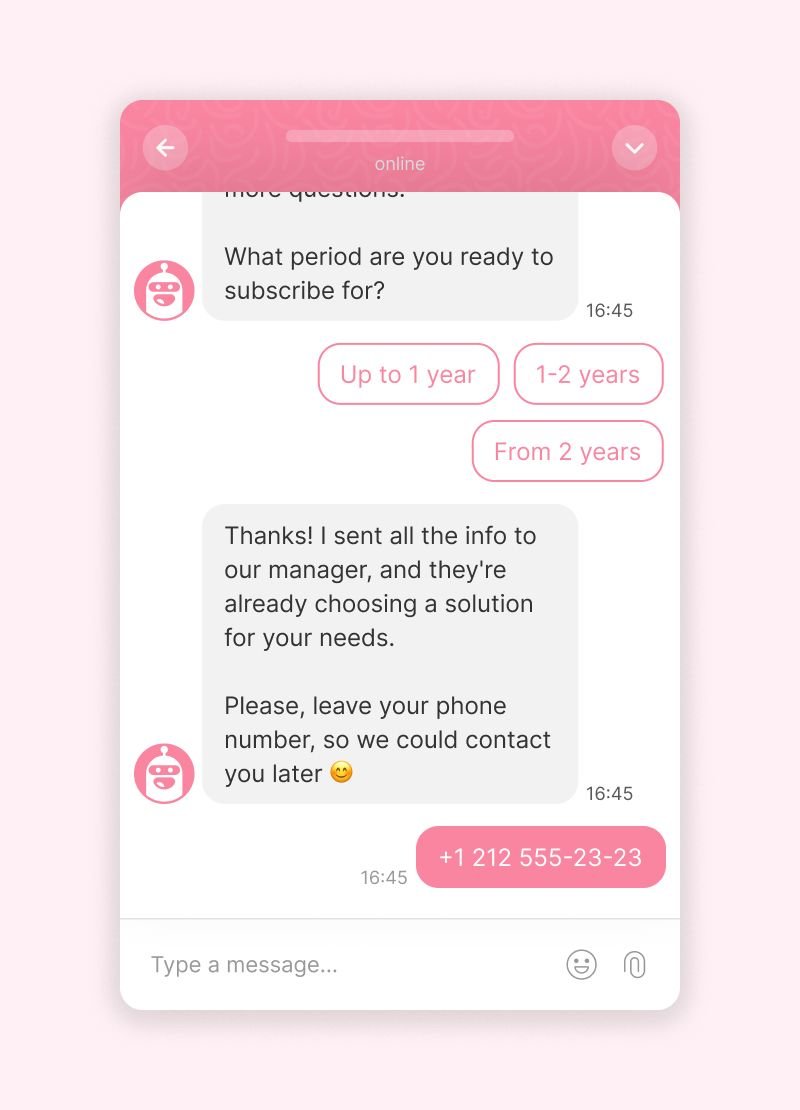
- Deal with FAQs, such as "What are your business hours?" or "How do I place an order?". By automating this task, you save your sales reps hours of routine work, so they can focus on closing deals or dispelling customer doubts.
- Collect data automatically and analyze. A sales chatbot can qualify leads, giving your team insights into customer behavior, preferences, and pain points. This lets you approach potential customers with personalized offers and increase the chance of a successful deal.
This way, our EdTech customer earned $145k with chatbots
The team set up a chatbot to qualify and capture leads, so the sales reps had as much data about a potential customer as possible. It resulted in +$145k revenue from landing pages that barely converted any visitors before Dashly chatbots.
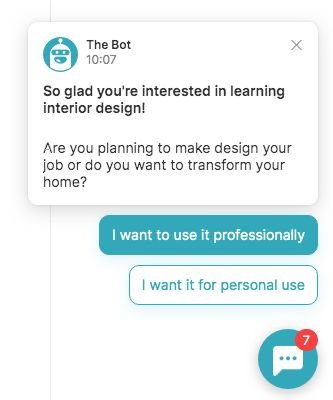
Example of a qualifying chatbot of E-learn.
Sounds cool, heh? You can hire an expensive developer to build such a chatbot for your website — or build it yourself in a visual builder, no code required.
How to create a sales chatbot
In Dashly, you don't need to know code or hire a developer. The platform offers a visual builder and ready-made templates so you can design a sales chatbot flow in 10 minutes 👇
- Define your goal. You can build a chatbot that captures leads, asks users for feedback, notifies current customers about company updates, offers additional products, and so on.
- Open the chatbot section in the Dashly platform. If you've never built a chatbot before, start with a ready-made template.
- Customize the chatbot flow according to your goals.
- Choose relevant triggers, timeouts, and the audience that will see the chatbot.
- Make sure the new scenario doesn't interrupt others already running on your website. Read the short configuring guide.
- Test the chatbot and launch it.
- Track conversion and revenue growth. If results are not enough, adjust the audience segment, the offer, or the timeout. Follow your customer's path and fix the bottlenecks.